
Shop KVM and peripheral cables for connecting keyboards, mice, monitors, computers, switches and related equipment. Wallco offers KVM cable assemblies, keyboard and mouse cables, device-sharing cables and legacy peripheral connectivity.
Compare products by connector type, supported equipment, cable configuration and length.


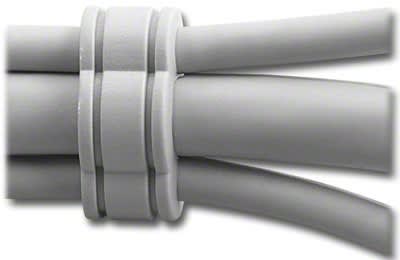


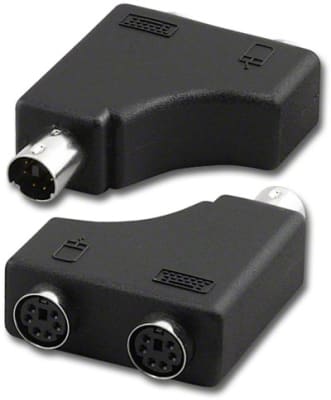

KVM and peripheral cables connect computers with keyboards, mice, monitors, KVM switches and other computer equipment. Cable requirements vary widely depending on the hardware generation and the interfaces used by the connected devices.
KVM cables are used with keyboard-video-mouse switching systems that allow multiple computers to share one set of user-interface devices. Some KVM installations use separate keyboard, video and mouse connections, while others use combined or proprietary cable assemblies.
Keyboard and mouse connections have used several interface styles over time, including DIN, Mini-DIN, PS/2, USB and manufacturer-specific configurations. Match the cable connectors and wiring to the equipment rather than relying only on the general device type.
Peripheral and device-sharing cable assemblies can be used to connect compatible computers, switches and shared equipment. Connector compatibility and the intended switching or sharing method should be confirmed before installation.
Older computers and specialized equipment may use keyboard, mouse or peripheral interfaces that are uncommon on current consumer hardware. Replacement cables remain valuable for maintaining industrial systems, legacy computers and specialized installations.
Identify the connectors on both devices, including connector style and gender. For KVM applications, verify the switch manufacturer or interface requirements and determine whether video, keyboard and mouse signals are carried separately or through a combined cable assembly.
