
Shop audio and video cables for displays, monitors, projectors, speakers, computers and AV equipment. Wallco offers HDMI, DisplayPort, DVI, VGA, RCA, audio and related multimedia cable assemblies.
Compare cables by connector type, signal format, equipment compatibility, cable length and application.


Audio and video cables connect computers, displays, projectors, televisions, speakers, amplifiers and other multimedia equipment. Interface standards vary by equipment generation and application, so both the physical connectors and supported signal format should be considered when selecting a cable.
HDMI is widely used for digital audio and video connections between computers, displays, televisions and AV equipment. HDMI cables may support different capabilities depending on cable construction, length and the HDMI features supported by the connected devices.
DisplayPort is commonly found on computers, graphics hardware, monitors and professional display equipment. Standard DisplayPort and smaller connector formats may be used depending on the device, so the physical connection should be verified.
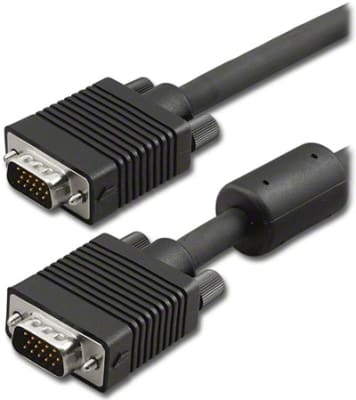
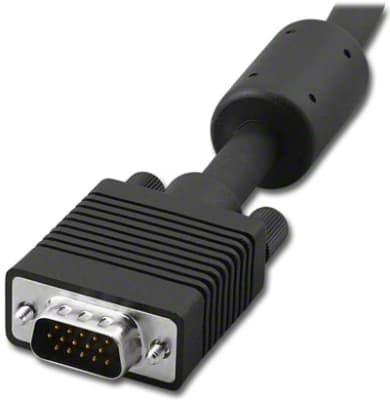
DVI and VGA remain important for many computers, monitors, projectors and installed systems. DVI exists in several connector and signal configurations, while VGA generally carries analog video through a 15-pin D-sub style connection.
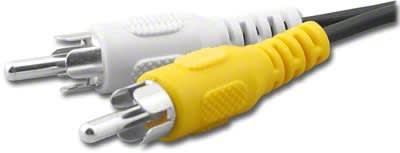
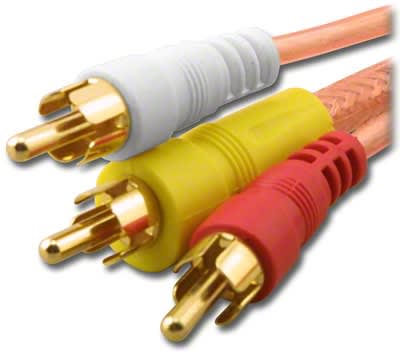
RCA connections are commonly used for analog audio, composite video and component-video applications. Because similar RCA connectors may carry different signal types, cable selection should be based on the equipment connections and intended signal path.
Audio cable assemblies are available for a variety of consumer, commercial and equipment applications. Connector types can include phone plugs, RCA, DIN, XLR and other formats depending on the equipment and signal type.
Display installations may require direct video cables or specialized assemblies for monitors and projectors. Check the source and display connectors, supported resolution or signal type and the required cable length before choosing a product.
Begin by identifying the exact connector on the source device and destination equipment. Physical connector compatibility does not always guarantee signal compatibility. Also consider the required video or audio format, equipment capabilities and cable length.