
Shop modular network jacks and keystone jacks for terminating copper structured cabling at wall outlets, patch panels, surface-mount boxes and other network connection points. Wallco offers modular connectivity options for common Ethernet cabling categories and installation formats.
Compare jacks by cable category, shielding, termination style, color and mounting compatibility. Select a modular jack that matches the installed cabling system and the faceplate, panel or enclosure in which it will be mounted.


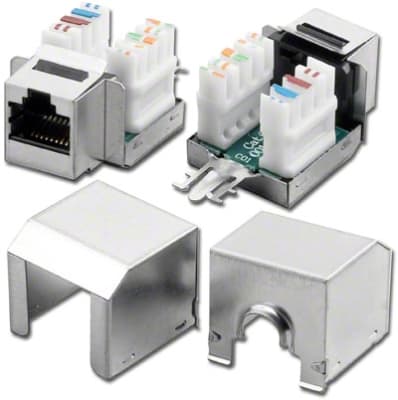

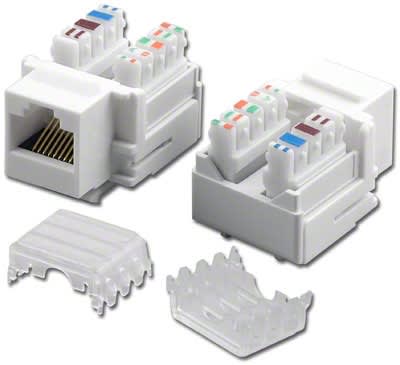
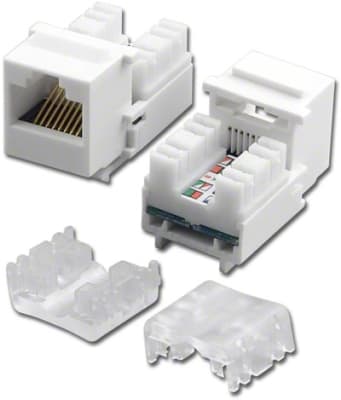
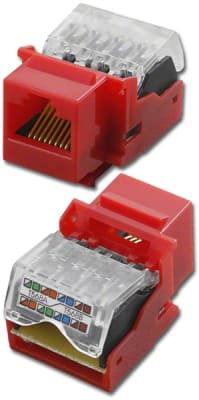
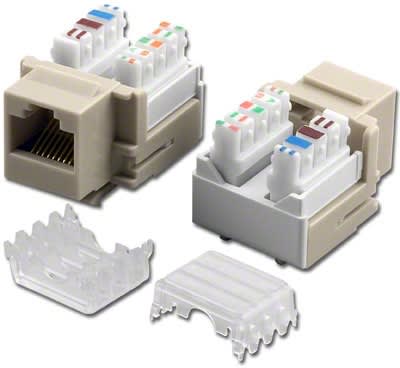
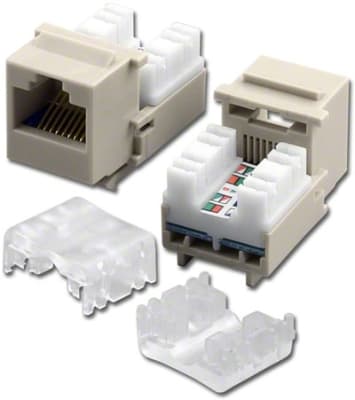
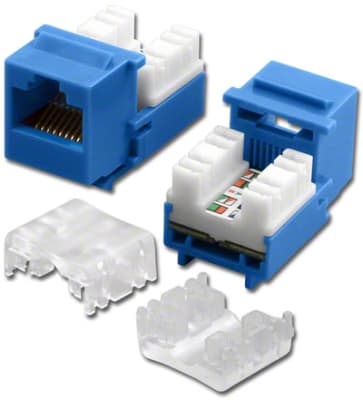
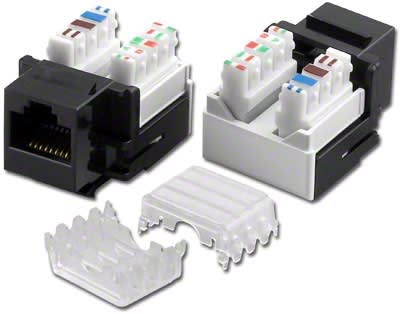
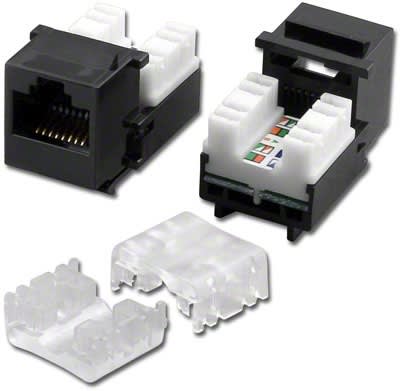
Modular network jacks provide the termination and connection point between permanent copper structured cabling and the patch cords used to connect network devices. They are commonly installed in wall plates, surface-mount boxes, patch panels and other compatible mounting hardware throughout commercial and industrial network installations.
These jacks are often described as keystone jacks because many use a standardized modular mounting format. The correct jack should match the category and construction of the installed cable as well as the physical mounting system used at the connection point.
Modular jacks should be selected according to both electrical performance and physical compatibility. A jack that fits into a faceplate may not necessarily match the category or shielding configuration of the installed cable.
The category rating of a modular jack should correspond with the cabling system. Each connection within the structured-cabling channel contributes to the finished network installation, including the permanent cable, jacks, patch panels and patch cords.
A Category 6A jack installed on lower-category cable does not automatically increase the performance of the entire link. Likewise, using lower-category connecting hardware within a higher-category system can create an unnecessary limitation.
For new installations, connectivity is best selected as part of the complete cabling design. For repairs and replacements, identify the existing cable category before selecting the replacement jack.
Many modular Ethernet jacks terminate the individual conductors of twisted-pair cable at the rear of the jack. The exact termination arrangement depends on the product and may require specific hand tools or installation procedures.
Proper conductor preparation and termination are important parts of structured-cabling installation. Excessive untwisting, damaged conductors or incorrect wire placement can affect the finished connection.
When working with a specific jack, use the manufacturer's termination markings and installation instructions rather than assuming every modular jack uses the same procedure.
At the work area, modular jacks are often installed in faceplates or surface-mount boxes to create an accessible network outlet. This arrangement allows permanent cabling to terminate inside the wall or box while a patch cord connects the finished outlet to a computer, phone, access point or other network device.
Before combining components from different product families, verify that the jack and mounting hardware use compatible dimensions and retention methods. Products described as modular or keystone-style are often designed around common formats, but compatibility should still be confirmed.
Some patch panels use individual modular jacks rather than fixed integrated ports. A modular panel can allow the installer to populate ports as required and may make individual connection-point replacement easier.
When using modular jacks in a patch panel, confirm that both the physical mounting format and cabling category are compatible with the panel. Shielded systems may also require compatible metal or grounding arrangements depending on the installation.
Unshielded modular jacks are widely used in conventional commercial structured-cabling systems. Shielded jacks are available for screened or shielded installations where the network design requires compatible shielded connectivity.
Shielding should be considered across the complete channel. A shielded jack alone does not create a complete shielded cabling system. Cable, patch panels, patch cords and other relevant connectivity should also be appropriate for the system design.
Modular Ethernet jacks may be used for applications including:
When selecting a modular jack, verify both the cabling specifications and the physical installation. Cable category, shielding, termination style and mounting compatibility are all important considerations.
For replacement applications, reviewing the existing jack and surrounding hardware before ordering can help identify the correct category and physical format. If the existing connection is part of a shielded system, verify the shielding requirements of the complete network channel as well.
