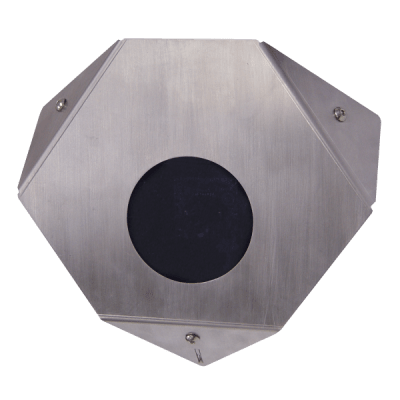
IP cameras are network-connected surveillance cameras that digitize and encode video at the camera, then transmit streams over Ethernet or wireless networks to an NVR, VMS, server or cloud platform. Their network architecture enables high resolution, PoE power, edge storage, analytics and flexible system expansion, but also introduces bandwidth and cybersecurity requirements.
Choose by scene requirement first, then verify resolution, lens, low-light performance, codec, frame rate, PoE class, network interface, edge storage, audio, analytics, environmental rating and interoperability with the intended NVR or VMS.
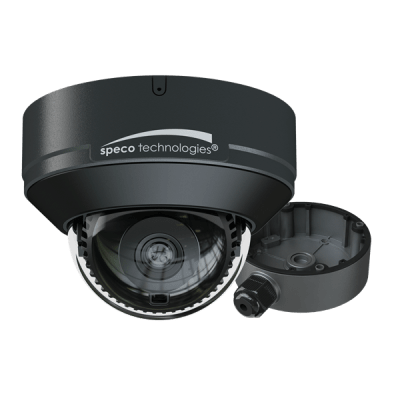
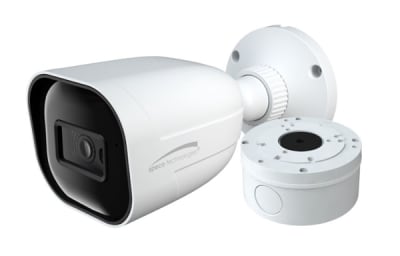


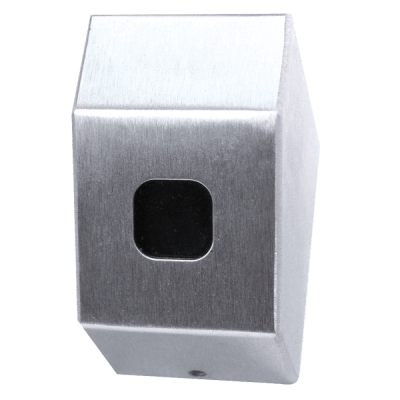
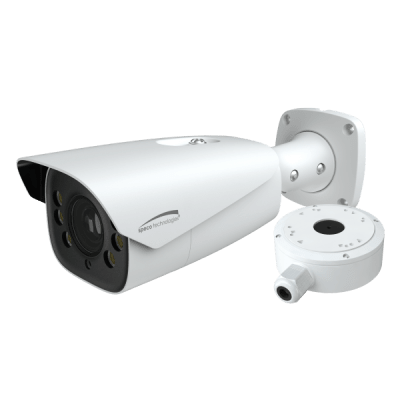
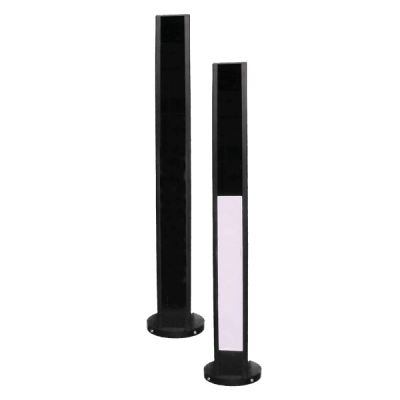
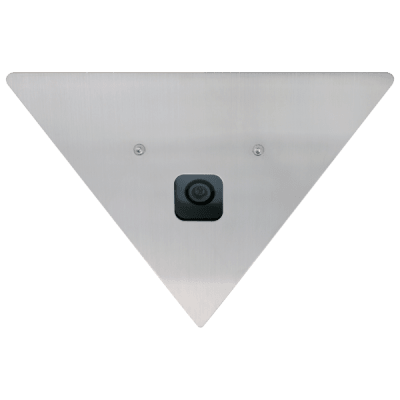
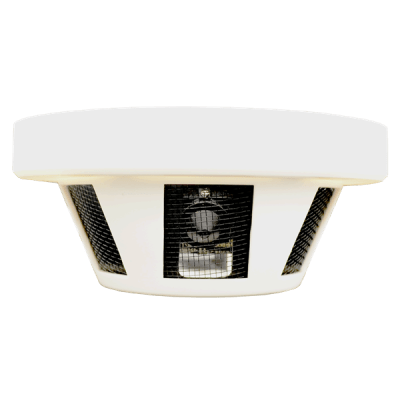
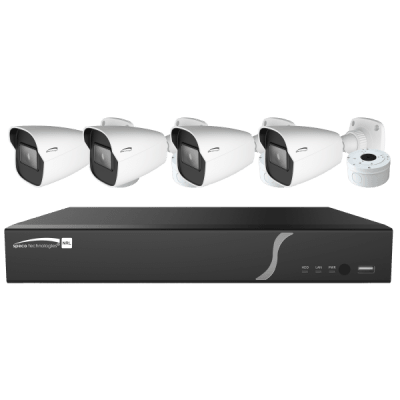
Many IP cameras use one Ethernet cable for both data and power through Power over Ethernet. Confirm the camera’s PoE requirement and the available switch power budget. Long cable runs, outdoor links and fiber uplinks may require different network design than a small local system.
H.264 and H.265-family codecs reduce network and storage demand compared with uncompressed video. Actual bitrate still depends on resolution, frame rate, scene complexity and quality settings. Plan switch uplinks and recorder throughput from expected worst-case traffic.
Some IP cameras accept memory cards for local recording. Edge storage can provide redundancy or support stand-alone use, but capacity, endurance and retrieval behavior vary. Determine how edge recordings synchronize with the central system after a network outage.
Modern IP cameras may provide motion classification, line crossing, object detection, people/vehicle filtering and other analytics. These features can reduce nuisance events, but compatibility with the recorder or VMS must be verified if metadata or event search is required.
ONVIF profiles define sets of functions for interoperable physical-security devices. Matching profile support improves the chance that cameras and clients work together, but not every advanced feature is covered. Confirm conformance and the exact features needed.
Treat cameras as managed network endpoints. Use strong unique passwords, supported firmware, appropriate VLANs or segmentation, controlled remote access, secure time services and disabled unused services. Procurement should include lifecycle and update support, not only image specifications.
IP architectures are especially useful when a facility already has managed Ethernet infrastructure, needs high-resolution cameras, wants distributed switching or expects to integrate analytics and remote management. They also simplify long-distance backbones because camera traffic can traverse fiber uplinks instead of requiring a dedicated home-run video cable for every device.
During commissioning, assign documented addresses or DHCP reservations, set time synchronization, change default credentials, verify firmware, confirm the intended stream settings and test recording at the NVR or VMS. Review the actual image during both day and night conditions. A camera can be electrically online while still failing its real objective because of glare, poor focus, blocked views or incorrect exposure settings.
Many IP cameras can provide multiple simultaneous streams. A high-resolution stream may be recorded while a lower-bitrate substream is used for multi-camera live viewing or remote access. This reduces workstation and WAN load without sacrificing evidence quality. Confirm how the NVR or VMS selects streams, whether analytics use a separate stream and how many concurrent clients the camera supports. Stream planning is especially important in larger systems where hundreds of small inefficiencies can become significant network load.
For a replacement or new installation, send Wallco the equipment model, system type, electrical or network requirements, installation environment and any compatibility constraints. The more application detail provided, the easier it is to narrow the correct product family and avoid a physically similar but incompatible part.