
Cable assemblies combine cable and factory-installed connectors into ready-to-use interconnects. They include audio and video cables, network patch cords, fiber patch cables, computer/peripheral cables, coaxial assemblies and power cords. Compared with bulk cable, assemblies reduce field termination work and provide a defined connector configuration and length.
The correct assembly must match the interface at both ends, signal or power requirements, length, shielding, conductor size and environment. Connector shape alone is not always enough: interfaces that share a physical connector can support different protocols, bandwidths or power capabilities.
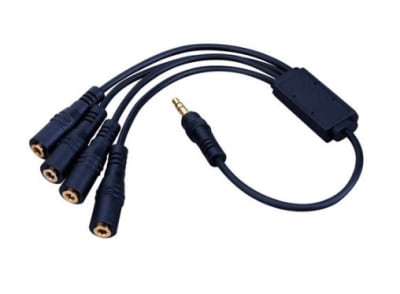


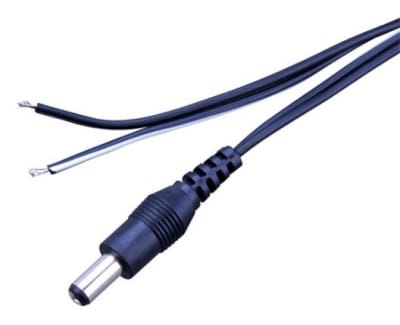
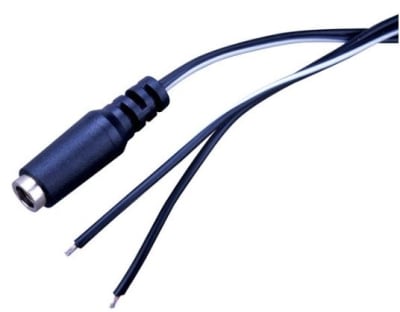
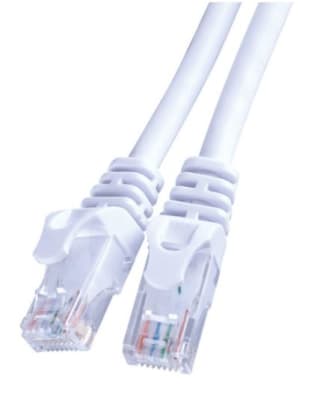
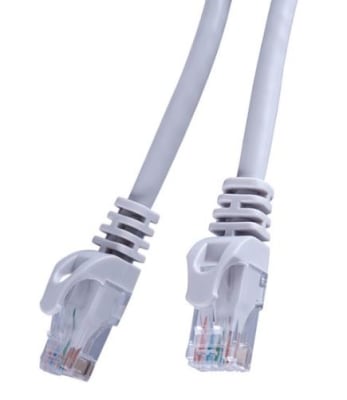
Identify the exact connector and gender at each device. Similar-looking connectors can be easy to confuse, especially among USB variants, D-sub connectors and coaxial interfaces. For directional active cables and converters, also confirm which end is the source and which is the display or receiving device.
A cable assembly must support the required signal standard, not merely fit the port. HDMI, DisplayPort, Ethernet, USB and SDI performance depends on cable construction and length. For network patch cords, Category rating and shielding should match the installed cabling system. For fiber, fiber type and connector polish must be compatible.
Longer assemblies can introduce attenuation, insertion loss, timing issues or voltage drop. Passive cable limits vary by interface and data rate. When required distance exceeds practical passive limits, active cables, extenders, repeaters or fiber-based transport may be more reliable than simply buying a longer copper assembly.
Office patching may prioritize flexibility, while industrial and stage environments may require abrasion resistance, strain relief and repeated-flex performance. Shielding can improve noise immunity for appropriate interfaces but should be part of the interface design rather than an isolated marketing feature.
Factory-terminated assemblies provide consistent connector installation and are convenient where field termination is difficult or unnecessary. They can reduce installation time and help standardize spares. Bulk cable remains preferable for pathways that must be cut to exact length or pulled before connectors are installed.
For power cords and DC cables, verify voltage, current, conductor gauge, connector rating, polarity and applicable approvals. Do not select power assemblies based only on connector fit. Extension length can increase voltage drop, especially in low-voltage DC systems.
Document connector at each end, protocol or signal type, required data rate or power, length, environmental needs and flexibility. Then compare the assembly datasheet to the equipment requirements. In retrofit projects, identify the original interface rather than relying solely on photographs.
A connector does not fully define a cable’s capabilities. USB-C is a connector family that can support different data and power features. Network cables should match the intended Category performance. Fiber assemblies require matching fiber type and connector characteristics. Longer is not always better when signal integrity is involved.
Wallco can help compare specifications, compatibility and application requirements when you are selecting new components or replacing an existing part. Providing the manufacturer and model of the equipment you are connecting to, along with key electrical, mechanical and environmental requirements, helps narrow the correct choice.